Workstation Decommission and Deployment: Best Practices from MD Technologies Global
MD
Understanding Workstation Decommission
Decommissioning workstations is a critical aspect of maintaining an efficient IT infrastructure. At MD Technologies Global, we emphasize the importance of a structured approach to ensure security and compliance. Proper decommissioning not only involves removing hardware but also ensuring that all data is securely wiped to protect sensitive information.

Before decommissioning, it's essential to conduct a thorough inventory check. Identify which workstations are due for decommissioning and ensure that all relevant data backups are completed. This step prevents any loss of valuable information and sets a solid foundation for the deployment phase.
Data Security and Compliance
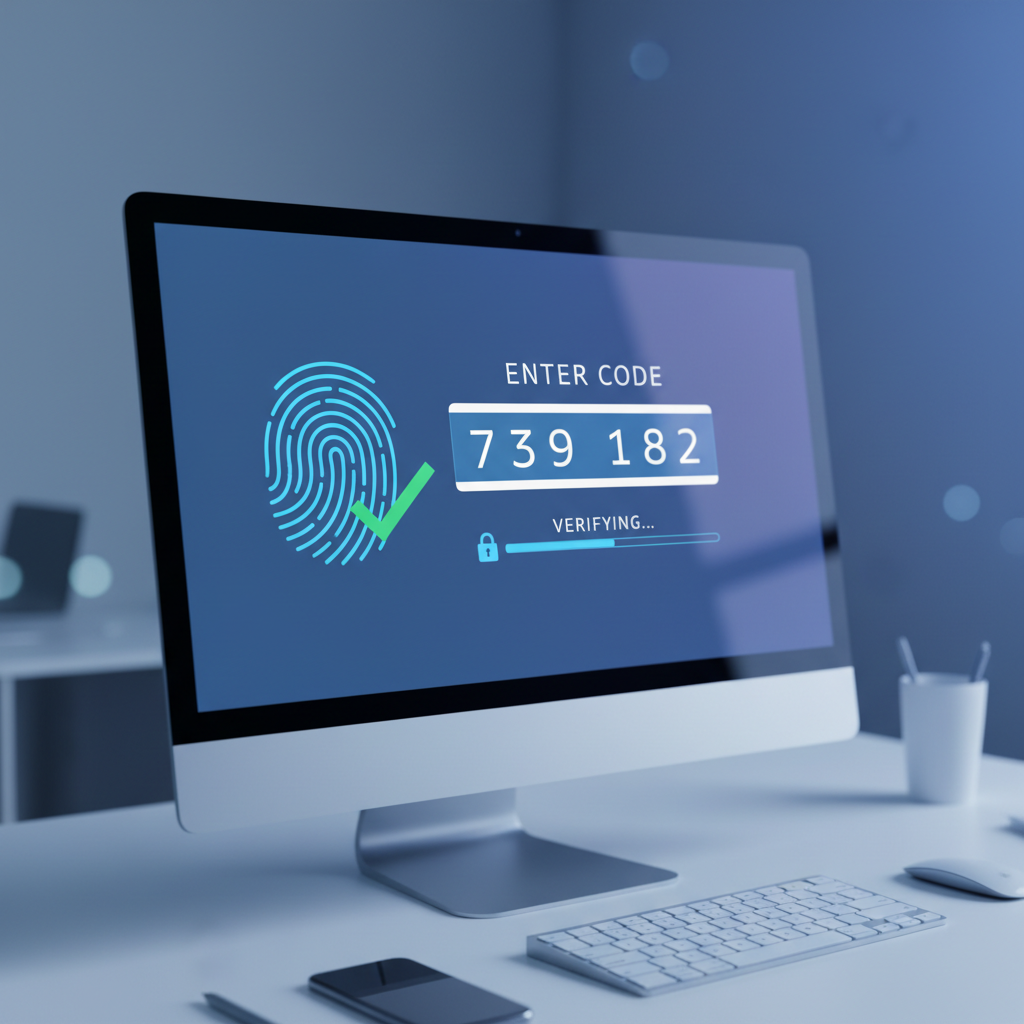
Data security should be a top priority during the decommissioning process. Use certified data wiping tools to ensure all information is irretrievable. Compliance with data protection regulations is crucial, and failing to do so can result in severe penalties. At MD Technologies Global, we recommend maintaining a detailed log of all decommissioned devices and the methods used for data destruction.
Effective Workstation Deployment
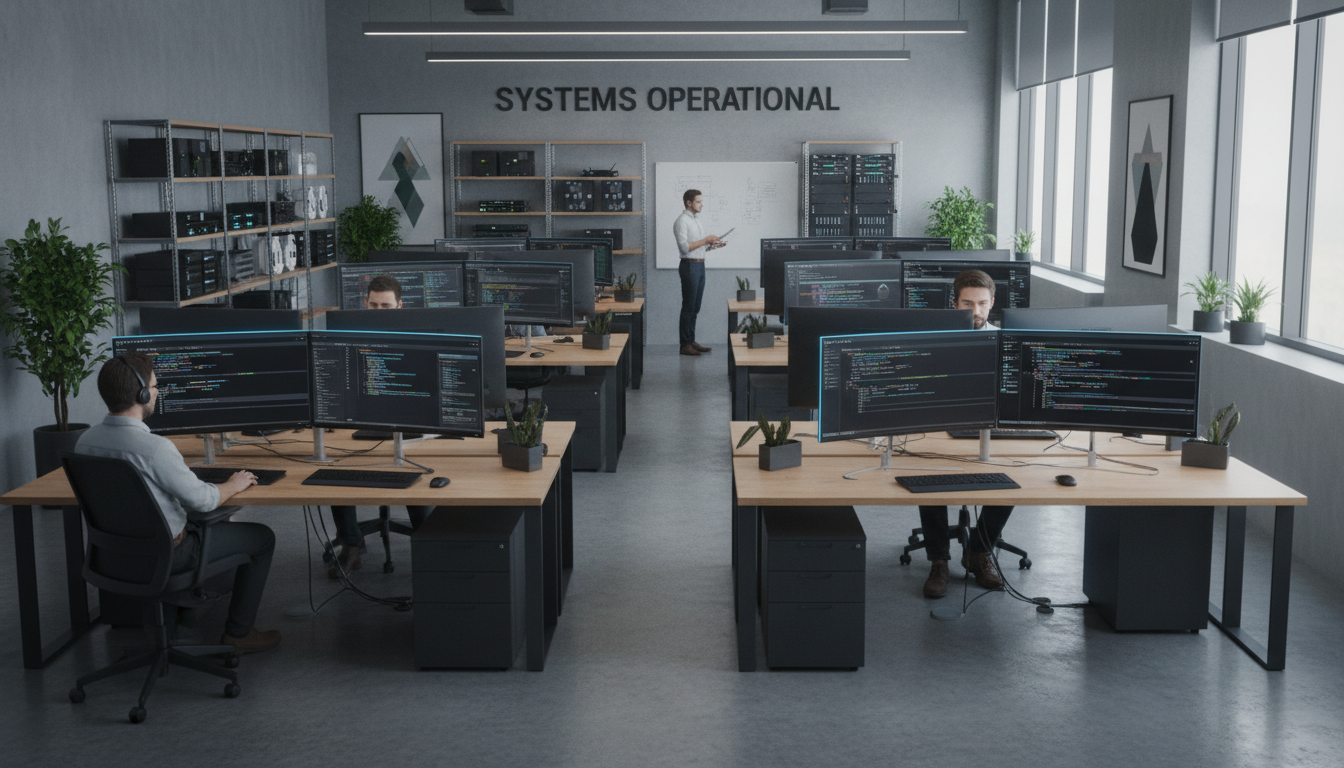
Once decommissioning is complete, the focus shifts to deploying new workstations. Successful deployment involves meticulous planning and execution. Start by assessing the specific needs of your organization to ensure that the new hardware meets all operational requirements. This step enhances productivity and minimizes disruptions.
A well-organized deployment strategy involves setting up a timeline and assigning responsibilities. At MD Technologies Global, we suggest creating a checklist that includes tasks like installing necessary software, configuring network settings, and performing initial tests to guarantee functionality.
Training and Support
Introducing new workstations can be a challenging transition for your team. To facilitate a smooth changeover, provide comprehensive training sessions. These sessions should cover new features, troubleshooting techniques, and best practices for maintaining optimal performance. Ongoing support is also essential to address any issues that arise post-deployment.
Maintaining a Sustainable IT Environment
Sustainability should be a key consideration when decommissioning and deploying workstations. Proper disposal of old equipment is vital to minimize environmental impact. Partner with certified recycling companies to ensure that electronics are disposed of responsibly.
Furthermore, selecting energy-efficient workstations contributes to a greener IT environment. At MD Technologies Global, we advocate for eco-friendly choices that reduce energy consumption and promote sustainability.
Continuous Improvement
Finally, regularly review and update your decommission and deployment processes. Technology and organizational needs evolve, and your strategies should adapt accordingly. Solicit feedback from your team and make improvements to enhance efficiency and effectiveness.
By following these best practices, organizations can ensure a seamless transition between workstation decommission and deployment, paving the way for improved performance and security.